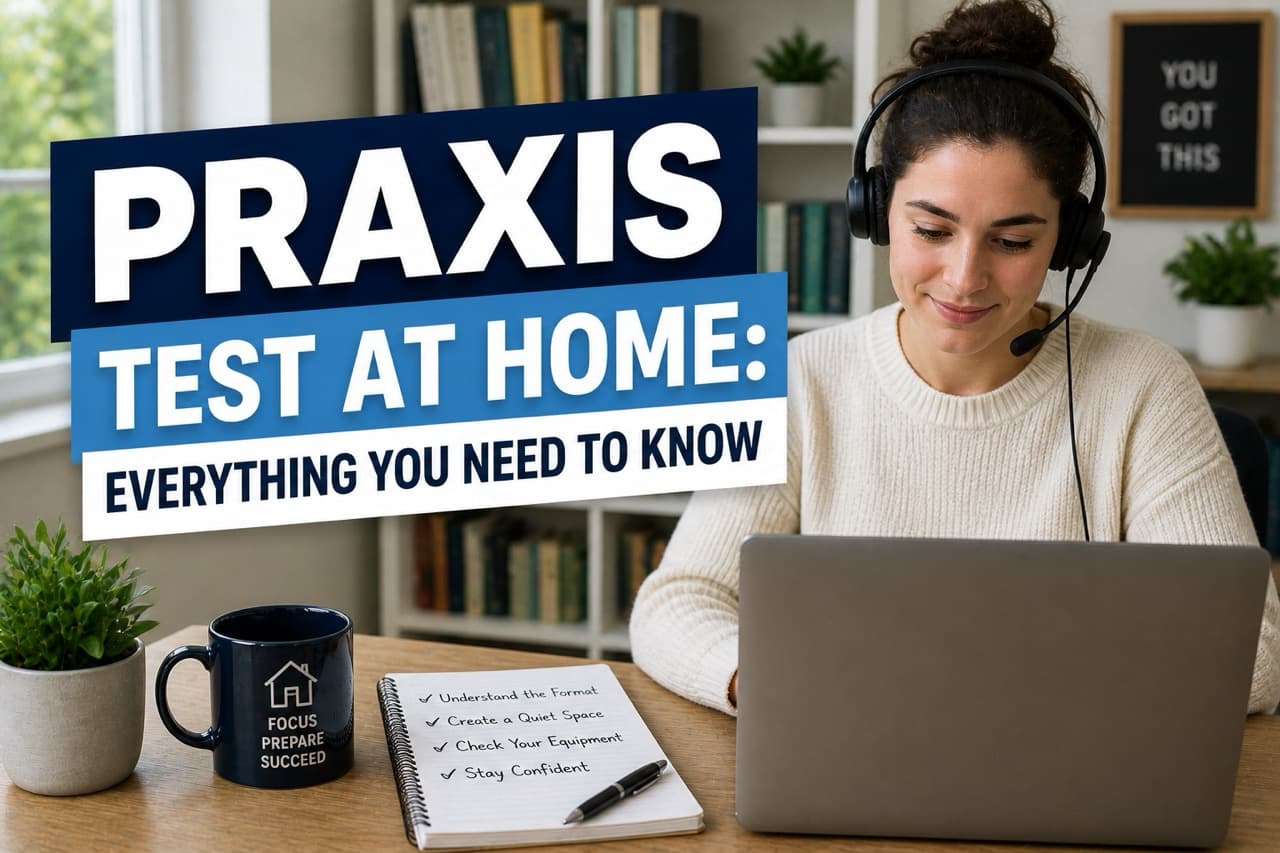
You want to take the praxis test at home. Makes total sense - no commute, no unfamiliar test center, no sitting in a room full of nervous strangers. But before you schedule your at-home Praxis online test, you need to know exactly what you're getting into.
The logistics of taking praxis at home are surprisingly specific. ETS has strict rules about your computer, your internet connection, your room, and even what you can have on your desk. Break any of them and your session could be terminated. Not a fun surprise on exam day.
This guide covers everything - from technical requirements to environment rules to what actually happens during a live-proctored online praxis test. And yeah, we'll talk about how to make sure you're actually ready to pass, not just ready to log on.
Can You Take the Praxis at Home?
Yes. You can take a praxis test online from home. ETS introduced at-home praxis testing through their online proctoring platform, and most exams are now available in both delivery formats - test center or remote proctoring from your own space.
So if you've been wondering "can you take the praxis online?" - the answer is yes, for the majority of exams. This includes popular tests like the Praxis Core and the Praxis SLP (5331). A small number of specialized exams may still require a physical location, so always confirm when you register.
What At-Home Praxis Testing Means
- • Same exam content as the test center version - identical questions and format
- • Proctored in real-time by a live human via webcam
- • Available for most Praxis Subject Assessments and Praxis Core exams
- • Schedulable 24/7 (including weekends) in most cases
- • Scores delivered the same way as test center exams
Here's the important thing to understand: the at-home praxis test isn't a different or easier version. It's the exact same exam. The only difference is where you're sitting when you take it. Your preparation - especially your test-taking strategy - needs to be just as solid.
At-Home Praxis Test Requirements
This is where things get real. The ETS praxis test at home requirements are specific, and they matter. Meeting them isn't optional - it's the difference between your session starting and your session getting cancelled before question one.
Computer Requirements
- • Windows PC or Mac (tablets, Chromebooks, and smartphones are NOT allowed)
- • Working webcam - built-in or external, must show your face clearly
- • Working microphone - built-in or external
- • Single monitor only (no dual-monitor setups)
- • No virtual machines or remote desktop software running
- • Admin access to install ProProctor software (ETS's proctoring platform)
Internet Requirements
- • Minimum 1 Mbps upload AND download speed
- • Stable connection - consistent drops will flag your session
- • Wired ethernet connection strongly recommended over WiFi
- • No VPN or firewall blocking ETS servers during testing
- • No one else heavily using your network during the exam
ID Requirements
- • Government-issued photo ID (driver's license, passport, or state ID)
- • Name on ID must exactly match your ETS registration
- • ID must be valid (not expired)
- • Proctor will photograph your ID during check-in - have it ready
Run the System Check Early
ETS provides a free system compatibility check through their ProProctor platform. Run it at least a week before your test - not the night before. If your computer fails the check, you need time to fix it or switch to a test center appointment. Discovering a compatibility issue 2 hours before your scheduled praxis online test is not a situation you want to be in.
Important note: these requirements can change. Always check the official ETS website for the most current at-home praxis test requirements before your exam. What was true six months ago might not be true today.
Tech Setup: What You Need
Getting your tech right for at-home praxis testing isn't complicated - but it does require some advance planning. Don't wing it. Here's what to do in the week before your praxis test online at home:
Install ProProctor
Download and install ETS's ProProctor software in advance. Don't wait until test day. Run the system check to confirm everything works.
Test Your Webcam and Microphone
Open a video call (Zoom, FaceTime, Google Meet - anything) and confirm your face is clearly visible and your audio comes through. The proctor needs to see and hear you throughout the exam.
Check Your Internet Speed
Run a speed test at speedtest.net. You need at least 1 Mbps up and down - ideally much more. If you're on WiFi, test from your actual testing location, not another room. Consider moving closer to your router or using a wired connection.
Close Background Applications
On test day, close everything except ProProctor. Other browsers, Spotify, Slack, email clients - all of it. Background applications can interfere with the proctoring software and get flagged as potential security violations.
Disable VPN
If you normally use a VPN, disable it before launching ProProctor. VPNs frequently block the connection to ETS servers. Don't forget - this one catches people off guard constantly.
One more thing: charge your laptop fully before the exam, and keep it plugged in during the test. A laptop dying mid-exam is technically a session disruption. Not fun.
Environment Rules You Must Follow
This is where taking praxis at home gets tricky for some people. The at-home praxis test rules for your physical environment are strict. Your proctor has the authority to end your session if your testing space doesn't comply.
Your Testing Space Must Be:
- Private - you must be alone. No other people (including family members or roommates) can enter the room during your exam.
- Quiet - ambient noise that covers your microphone can be flagged. Background TV, music, or loud conversations outside your door are problems.
- Well-lit - the proctor needs to see your face and workspace clearly. Test in natural light or use a lamp that lights your face (not just the ceiling).
- Clear desk - only your ID, one monitor, keyboard, and mouse on the desk. No books, papers, notebooks, phones, or extra screens.
- No prohibited items - earbuds, headphones, smartwatches, and wireless devices must be removed before the session starts.
Things That Will Get Your Session Terminated
- • Another person entering the room, even briefly
- • Looking away from the screen for extended periods
- • Using your phone or another device during the exam
- • Talking out loud to yourself excessively (some is okay, lots is flagged)
- • Covering or blocking your webcam
- • Opening unauthorized applications or websites
- • Taking a screenshot of exam content
Here's a real thing that trips people up: pets. Your cat walking into frame and jumping on your desk has ended real exam sessions. Put your pets in another room - and make sure they can't open doors or bark loudly enough to be picked up by your microphone.
The praxis at home testing checklist ETS provides is actually worth reading carefully. Go through it the day before your exam and physically check your space against each item.
What Happens on Test Day
Knowing what to expect during your online praxis test reduces anxiety on the day. There's a specific check-in process before the exam even starts - and it takes longer than most people expect.
Open ProProctor
Launch the software and begin the check-in process early. The system will verify your computer and internet connection.
ID Verification
Show your photo ID to the webcam. The proctor will take a photo and verify your name matches your registration. Have your ID visible and ready.
360-Degree Environment Check
You'll be asked to use your webcam to do a complete scan of your room - walls, ceiling, desk, and surrounding area. The proctor is verifying your space meets requirements.
Clothing and Accessories Check
Roll up your sleeves if needed. Remove watches, earbuds, and headphones. The proctor may ask you to show your ears.
Test Starts
Once the proctor approves your setup, your exam unlocks. The clock starts. The proctor monitors your video and audio throughout the session.
The check-in process typically takes 15-30 minutes. Budget for that. If you schedule your praxis test at home at 9:00 AM, you might not actually start the exam questions until 9:20 or 9:25. This is normal - don't panic.
During the exam, the proctor is monitoring but generally won't interrupt you unless there's a compliance issue. If they need to contact you, a chat window will appear. Check for those periodically if you feel like something is off.
At Home vs. Test Center: Which Is Better?
People debate this a lot. And honestly? There's no universal right answer. It depends on your setup and your personality. Here's the real breakdown:
At-Home Testing
Advantages
- No commute or travel stress
- More flexible scheduling (including evenings and weekends)
- Familiar environment can reduce anxiety
- No test center ambient noise from other test-takers
- You control your chair, desk height, and lighting
Disadvantages
- Tech failures can disrupt your session
- Home distractions (family, pets, deliveries)
- Requires a compliant private space
- Setup and check-in adds 30+ minutes
- Internet issues can end your exam
Test Center
Advantages
- Equipment is provided and verified
- Standardized, distraction-controlled environment
- Staff available if tech issues arise
- No at-home setup headaches
- Scratch paper provided on request
Disadvantages
- Travel time and commute stress
- Less scheduling flexibility
- Unfamiliar environment may increase anxiety
- Other test-takers can be distracting
- You use their equipment, not yours
If you have reliable internet, a genuinely private space, and a tech-compliant computer - at-home testing is probably worth it. The convenience is real.
But if you live with roommates or family, have unpredictable internet, or don't have a space you can guarantee will stay private and quiet for 3-4 hours straight - a test center is the safer choice. Don't let logistics be the reason you fail.
Ready to Actually Pass - Not Just Log On?
At-home or test center, the exam content is the same. So is our guarantee. 1-on-1 strategy coaching, 100% pass rate, 48 hours. $999.
Get Started NowHow to Prepare for At-Home Testing
Preparing for the praxis at home test has two components. There's the logistical prep - making sure your setup is compliant. And there's the actual exam prep - making sure you can answer the questions.
Most people focus only on one or the other. And honestly, both matter.
Logistics Prep Checklist (1 Week Before)
- Download and install ProProctor, run the system compatibility check
- Test your webcam and microphone
- Run an internet speed test from your testing location
- Identify (and prepare) your testing room - check lighting, privacy, desk clearance
- Verify your ID name matches your ETS registration exactly
- Confirm your exam is available for at-home delivery
- Plan how to keep pets and family members out of the room for the full duration
- Set your computer to 'Do Not Disturb' mode
Exam Content Prep (The Part Most People Underprepare)
Sorting out your tech setup is table stakes. The real question is whether you're actually ready to pass the exam. And that's where most people fall short - they nail the logistics but haven't addressed the strategic component.
The Praxis isn't testing whether you memorized enough content. It's testing whether you can navigate ETS's specific question design - the way they structure answers, the patterns in distractors, the time pressure they build in. That requires deliberate strategy work, not just more content review.
Whether you're taking the Praxis Core online or the Praxis SLP from your home office, the exam content is identical to what you'd face at a test center. The format, the question types, the passing score requirements - none of that changes based on where you're sitting. Check out our complete guide to passing the Praxis for the strategy-specific prep that actually moves the needle.
And if you've already paid for the praxis test cost once, you know how much it stings to have to retake it. Invest in your preparation the first time.
Scores and Results for At-Home Tests
Here's the good news: for most Praxis exams, you'll see an unofficial score on your screen at the end of the test. This is true whether you're taking the praxis test at home or at a test center - the score reporting works the same way.
Praxis Score Timeline
- ImmediatelyUnofficial score displayed on screen (most exams)
- 10-16 daysOfficial score report released to your account and designated score recipients
- Same timelineAt-home and test center scores are released on the same schedule - no difference
One thing to note: if your session was flagged for any reason during the at-home praxis test - a suspected violation, a connection issue, anything - your score may be held while ETS reviews the session. This doesn't automatically mean your score is invalid, but it does mean there may be a delay.
The passing score for your exam doesn't change based on where you take it, either. Your state's required score is your state's required score. If you're not sure what that is for your specific exam, check out our comprehensive breakdown of Praxis passing scores by state.
Bottom line: the praxis at home test scores are exactly the same as test center scores. Same scoring system, same passing thresholds, same official recognition. There's no asterisk on an at-home result.
Frequently Asked Questions
Your Passing Score Is 48 Hours Away
At home or at a test center - the strategy is the same. And so is our guarantee. Join hundreds of students who passed with our method.
Also see: Praxis Core tutoring • Praxis SLP tutoring • How to Pass the Praxis